Consumption monitoring reports
Last updated on 03 November 2026

Energy Manager (Systems Link Portal) – consumption monitoring reports
To access the monthly AMR data from the dashboard (home page) open the ‘Dashboard’ (opening) page.
Select ‘Reports’ tab then on ‘Profile Download’ click ‘View Report’. On that page select the end date for the report
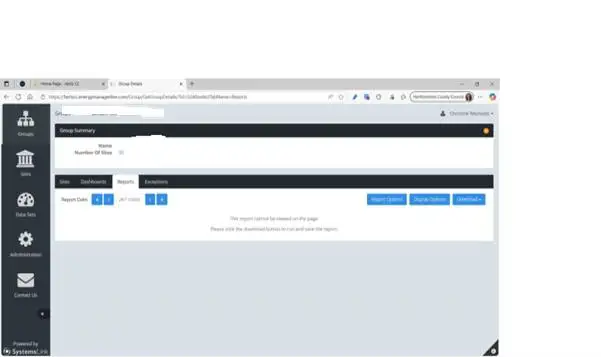)
Then click on ‘Report options’ to select the utility, period (day, week, month, year)
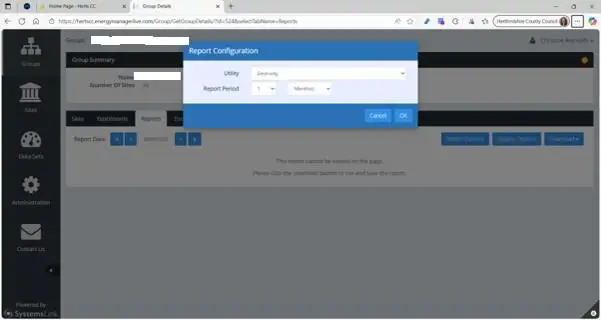)
Then click on ‘Display Options’ to select the columns you wish to include on the report
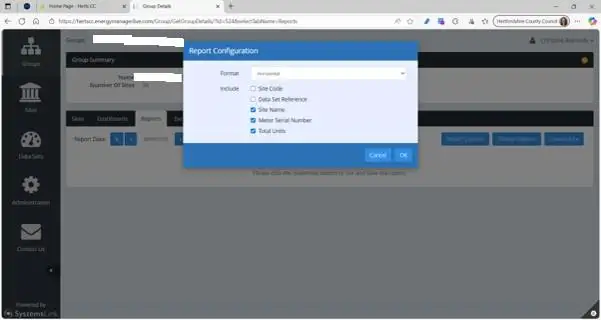)
Then click ‘Download’ followed by ‘Download to Excel’.
Last updated on 03 November 2026